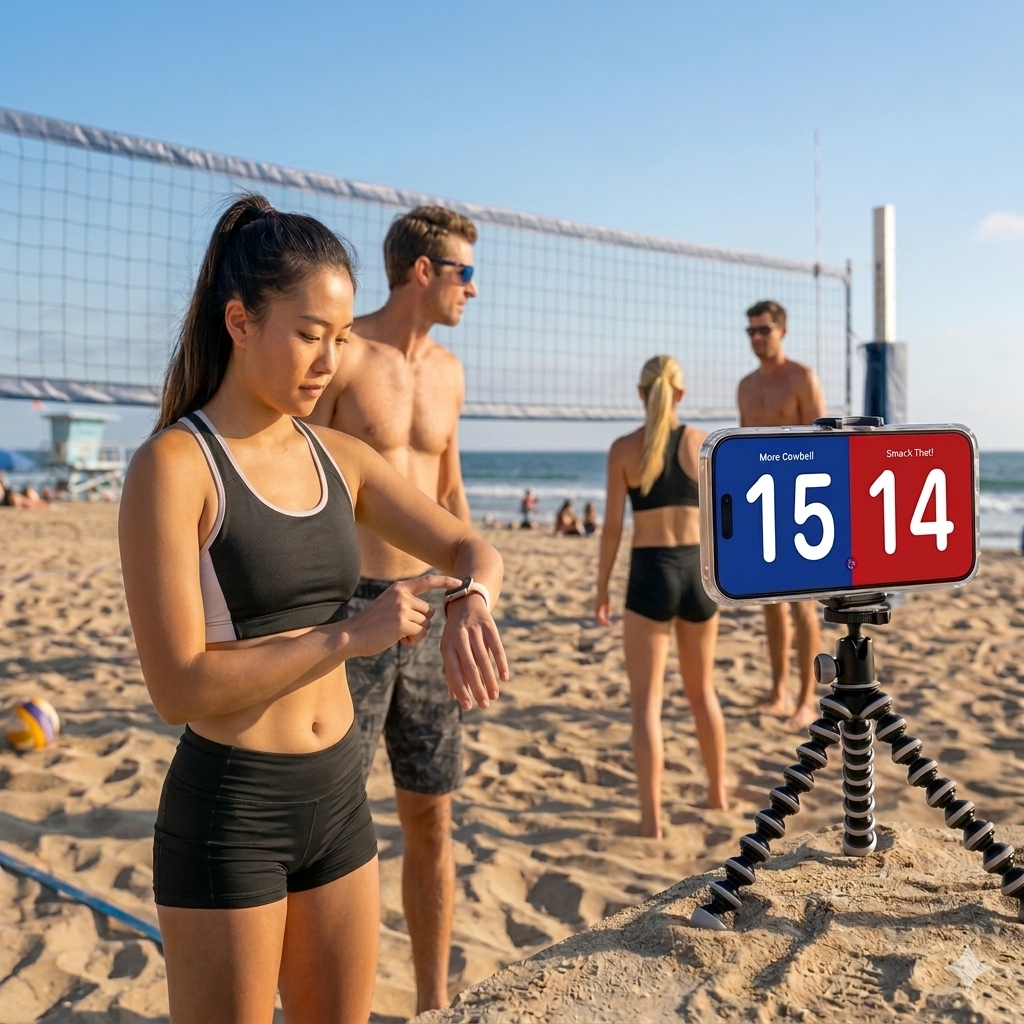
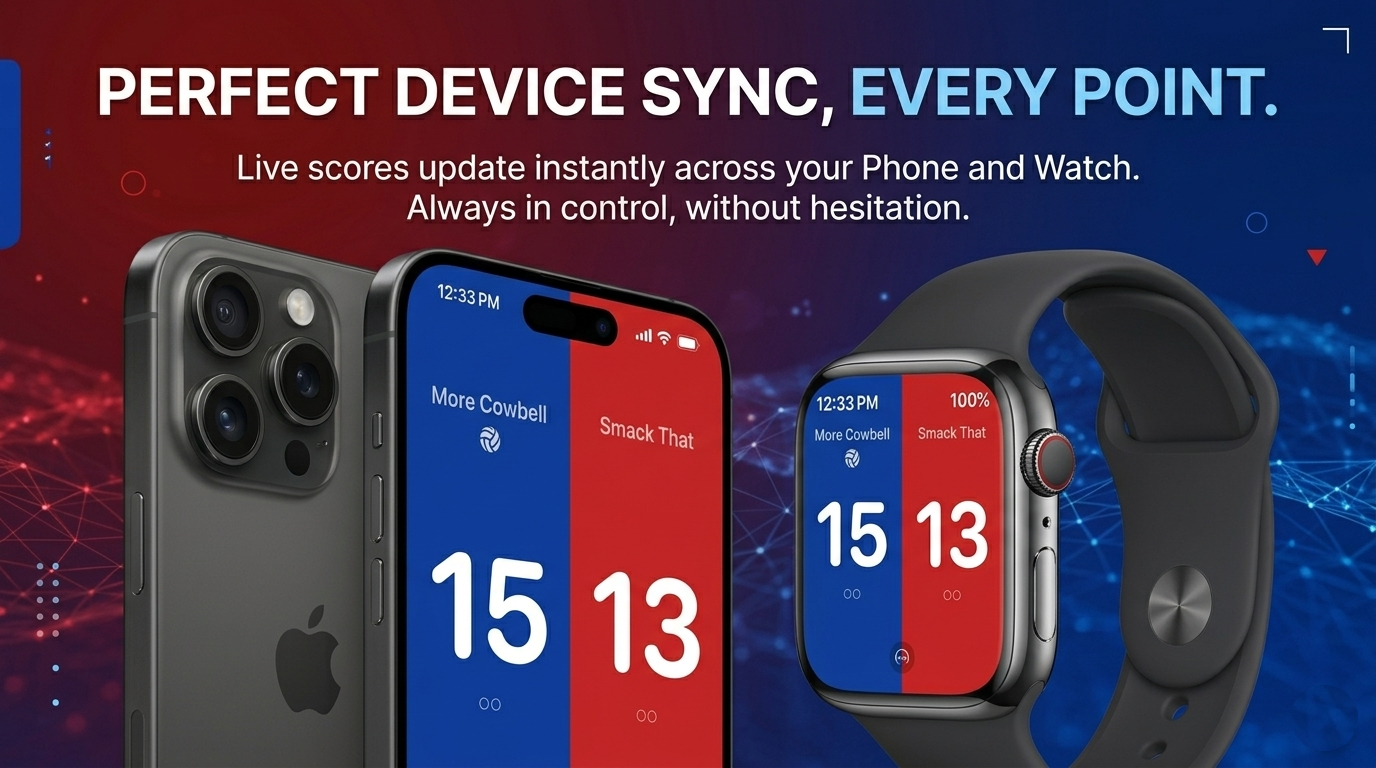
VBScore keeps score where the action is. Control points from Apple Watch, keep iPhone or iPad visible as the courtside scoreboard, and share a live code so spectators can follow along from their own phones.
See it in action
VBScore is designed around one screen for fast scoring and one for clear courtside display.
VBScore is built around two jobs: fast scorekeeping on Apple Watch and a clean, visible scoreboard on iPhone or iPad for everyone around the court.
Perfect for
How it works
Start with the free workflow, then unlock Pro when your matches need more structure.
Download VBScore and begin scoring from Apple Watch with a synced display on iPhone or iPad.
Add and correct points quickly while the scoreboard stays visible to players, refs, and spectators.
Unlock Pro for full match tracking, history, team customization, and advanced rules.
Features
Focused on quick point entry, a visible courtside scoreboard, spectator-friendly live broadcasting, and deeper tools when you need them.
Control the score from Apple Watch so you never have to leave the court flow.
Keep iPhone or iPad visible as the larger scoreboard for teammates, refs, and spectators.
Share a short code so spectators can open the match on their own phone and follow every point in real time.
Choose the scoring layout that fits your setup, whether you want to control everything from the watch or run a dedicated scorekeeper view.
Fix mistakes immediately with fast point adjustments instead of digging through menus.
Review completed matches and expand individual sets to see the point-by-point progression.
Save team names, choose panel colors, and make the display feel right for your setup.
Configure deciding-set points, score announcements, serve indicator, and auto side swap.
Keep Apple Watch, iPhone, iPad, and live spectators aligned so everyone sees the same match state as it changes.
Explore
If you want a closer look at how VBScore fits different games and scorekeeping styles, these pages go a bit deeper without taking you away from the core product story.
Most people arrive here looking for one of three things: a clean volleyball scoreboard workflow, a faster pickleball scoring setup, or a simple Apple Watch scorekeeping guide.
See how matches, spectators, and quick point changes work in a volleyball flow.
For pickleball Fast between-rally scorekeepingFocus on quick input, shared visibility, and a cleaner alternative to generic counter apps.
For watch users Keep score from your wristGet the watch-first setup details, support guidance, and a clearer view of the full workflow.
Pricing
Download VBScore once for free, then unlock Pro inside the app if you want match formats, deeper customization, live broadcasting, and advanced scorekeeping tools.
Recommended Gear
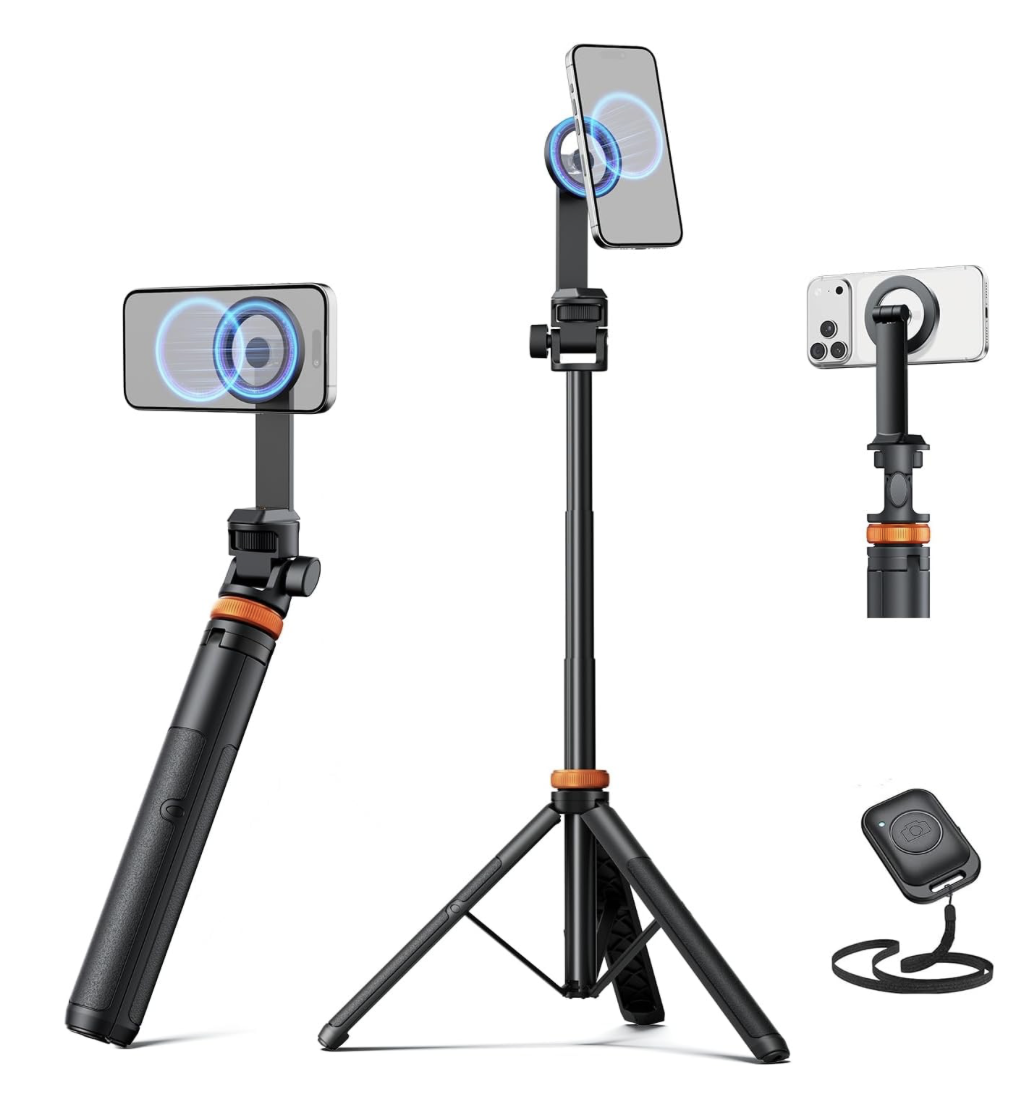
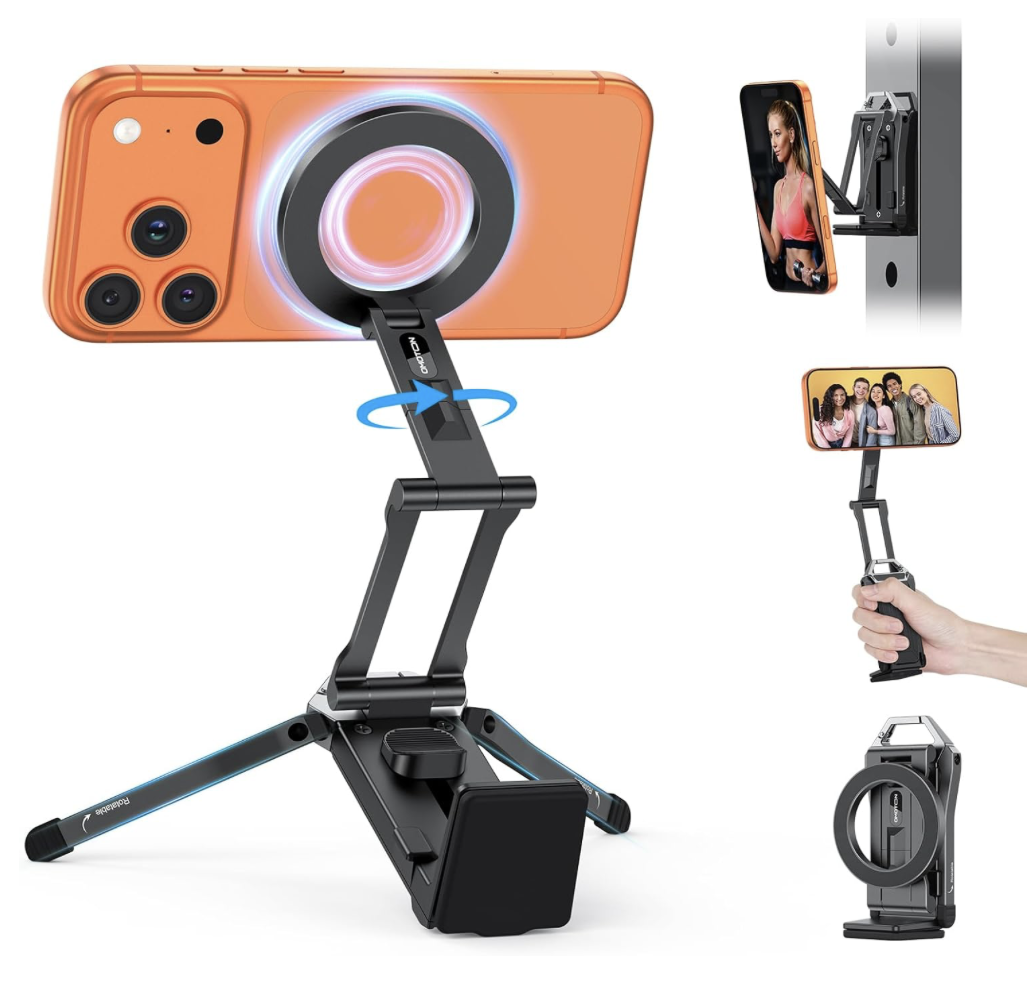
A simple phone tripod can make VBScore much more useful courtside by keeping the display upright, visible, and out of someone’s hands.
If you use VBScore with an iPhone as the visible scoreboard, a lightweight tripod is one of the easiest upgrades you can make. It gives the display a stable place on the sideline so players, refs, and spectators can glance over without someone needing to hold the phone the whole time.
Support
We moved the FAQ into a dedicated support page so it is easier to use from the App Store and easier to keep up to date. You will find setup help, spectator tips, and quick answers there.
Live Broadcasting
VBScore can publish a live scoreboard to the web so friends, family, and teammates can follow every point from anywhere. Share the code, send the link, and let spectators stay in sync with the match.
Enter a broadcast code and we’ll open the spectator page at vbscore.ca/live so you can follow the match in real time.